What is a container step
A container step is a successor of the custom step which offers more flexibility on how you provide your custom processing logic.
Why should I use a container step
The fundamental idea is built on docker containers. So one can imagine what all can be done inside a docker container. But just to name a few, a container step offers following advantages over a custom step:
- Pick any programming language. You are no longer restricted to just python or java.
- Run as many processes inside the container,
- Provide environment variables at the step level,
- Provide as much resources as you want for this step alone.
Limitations
- The feature is not available for free plans.
- Image size cannot be greater than 10GB.
How to push images
- Prepare your docker image as shown in the Java or Python examples.
- The examples are written java or python. But you are free to you any programming language.
- Ensure the socket connections are implemented like done in the examples. The exchangeDataHolder is provided and accepted back through these socket channels. So, this step is important.
- Ensure the image size does not cross 10GB in size. Anything greater than 10GB will be rejected during push.
- Tag your images
- Create a API user with admin role.
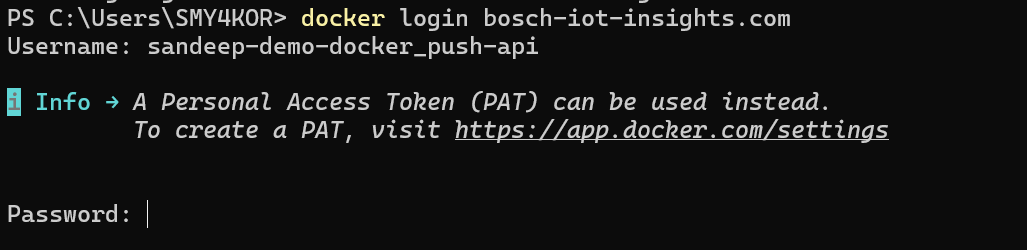
- Login through the docker CLI using the above credentials.
- Push the image.
Configure and use it in the pipeline
- Create a pipeline.
- Add a container step.
- Select the image that you previously pushed.
- Configure the required environments.
- Ensure you provide enough resources to the image so that it can function without hitting memory limits.
How to delete
- The images can be deleted from the UI.
- To restore it, you can merely push the tag again.
Auto deletion
Images are automatically deleted when they are not used in the last xx days or if it is not part of a active pipeline.
Troubleshooting
Error | Reason |
|---|---|
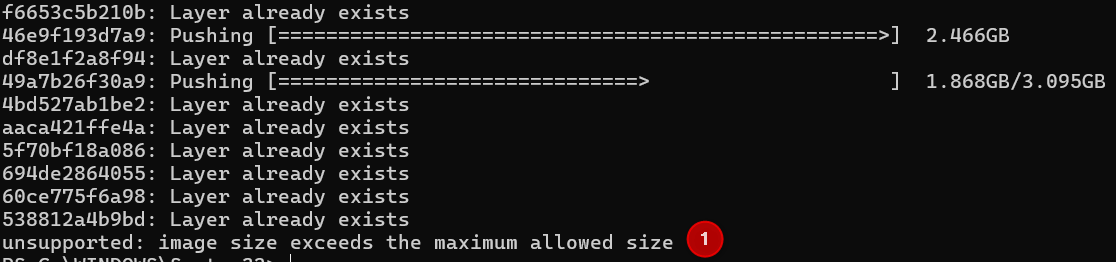
I see "Image size exceeds the maximum allowed size" after some layers upload successfully.
| This happens when the image that is being pushed is greater than 10GB. Since docker splits an image into different layers, we will not have the ability to detect the overall size upfront. Hence the error message appears at a later stage after the sum of uploaded layers reach the max allowed limit. |
My login failed with the error message - "Error response from daemon: Get "https://bosch-iot-insights.com/v2/": unauthorized: authentication required" | This is likely the case where either usename or password is wrong. |
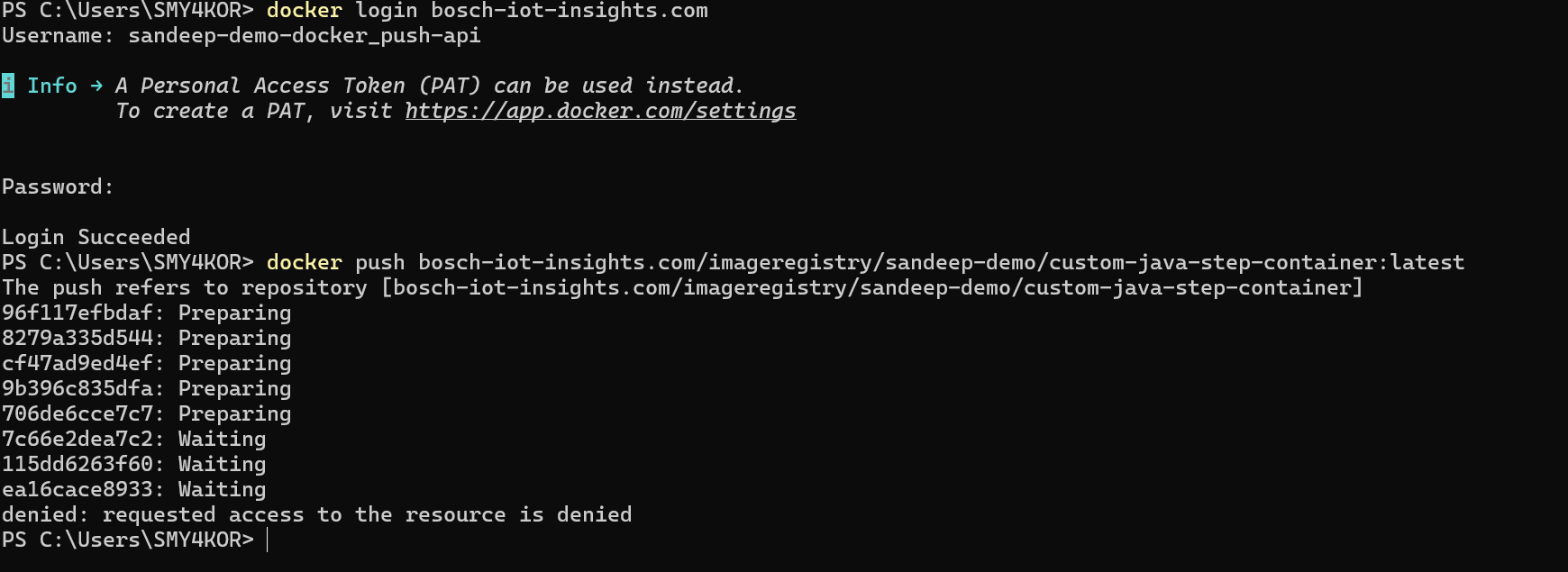
My login was successful. But the push was rejected with "denied: requested access to the resource is denied" error. | This could happen for two reasons:
|
I tried to login. But I was not asked any credentials. I no longer wish to use that user. How to clean up my docker login to this domain? | You can perform "docker logout bosch-iot-insights.com" and login again with the user you wish to use.
|